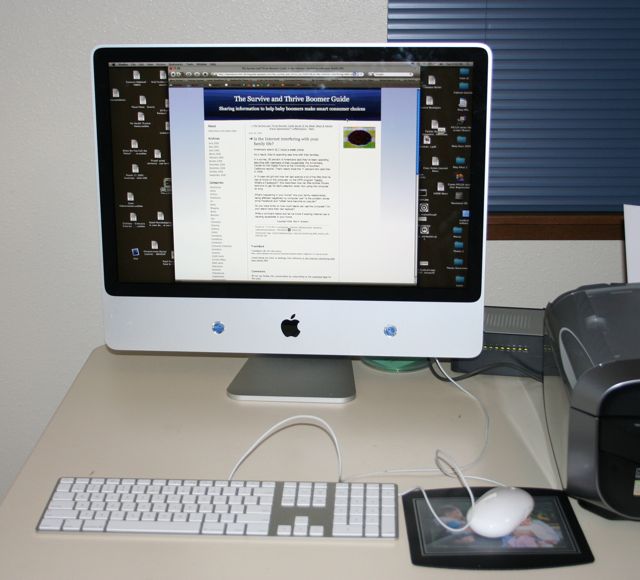
I’m a photojournalist, so I have lots of photos on my computer, more than 170,000. Since large numbers of photos fill up the hard drive of a computer quickly, I have my iMac set up so my Apple Photos program uploads all of my new photos onto an external hard drive.
It’s worked well for several years. However, last week a problem developed.
I wasn’t able to open the Photos program.
After spending several hours with Apple technical assistance, it was determined that half of my external hard drive, where my photos are stored chronologically as they’re uploaded, wasn’t working. It looked like that half of the hard drive might be corrupted.
Several Apple technicians suggested deleting what’s on that part of the hard drive, then trying to restore the workability of it.
I said, “No.”
Why? Because I wasn’t sure that everything I have in the chronologic file is backed up.
Several years ago, I signed up for iCloud, so all the new photos I upload to my computer, all the photos I take on my iPhone, and all the photos I scan from my Epson scanner go into iCloud.
However, I wasn’t sure if all my chronological photos are in iCloud.
In addition, I haven’t used my Time Machine for two to three months. The Time Machine is an Apple feature that automatically makes hourly backups for the past 24 hours, daily backups for the past month, and weekly backups for all previous months. The oldest backups are deleted when the backup disk is full. If I was up to date with the Time Machine, I could just find the files for the photos for the external hard drive and put them on a new external hard drive.
I only have three ports in the back of my computer, and I unhooked the Time Machine to copy some photos onto a thumb drive. I just neglected to hook it up again.
Since the external hard drive is malfunctioning, I couldn’t hook up the Time Machine now because it would make a copy without what’s on the malfunctioning external hard drive.
I went over to Best Buy to see if the people at the Geek Squad could help me. They weren’t able to copy any photos from chronological half of the external hard drive.
In addition, they said they weren’t able to copy any photos from the other half of it, which I call “Named Photos and Movies.” That’s where I store copies of photos I’ve named after using them on my blog or sending them to friends and relatives.
The Geek Squad said I could send the external hard drive to their main service center to see if the photos could be recovered.
I decided I’d take the external hard drive home and copy the photos from the “Named Photos and Movies” half of it. It took the better part of two days.
I plugged the external hard drive that has my Time Machine on it, but it wouldn’t mount, which means it wouldn’t connect to the computer. I wonder if it ever worked or whether it just got corrupted. Strange that both of the external hard drives that I bought several years ago at Costco failed at the same time. I’ll be asking Costco about that.
I took the external hard drive back with my chronological photo files back to the Geek Squad and they sent it to their main service center to see if the photos can be retrieved.
So, the moral to this story is make sure your photos are backed up. I’ve written articles about why it’s important. I’ve even suggested that you print out your most important photos annually.
I follow my recommendations, but I didn’t make sure that the methods were being executed correctly. Lesson learned.
I’ve looked at new external hard drives at Best Buy that are solid state. They don’t have a spinning disk like the Seagate external hard drives I purchased from Costco several years ago. The solid-state external drives are faster and less prone to corruption because they don’t have any moving parts.
I’ll need a new external hard drive whether or not the Geek Squad is able to recover my corrupted files.